On this page
- Why choose the genuine HP SV134A imaging drum
- Drum and toner: two consumables
- Printers compatible with the SV134A
- Page yield
- Installation and maintenance
- Use and tips
- Specifications
- Frequently asked questions
Why choose the genuine HP SV134A imaging drum
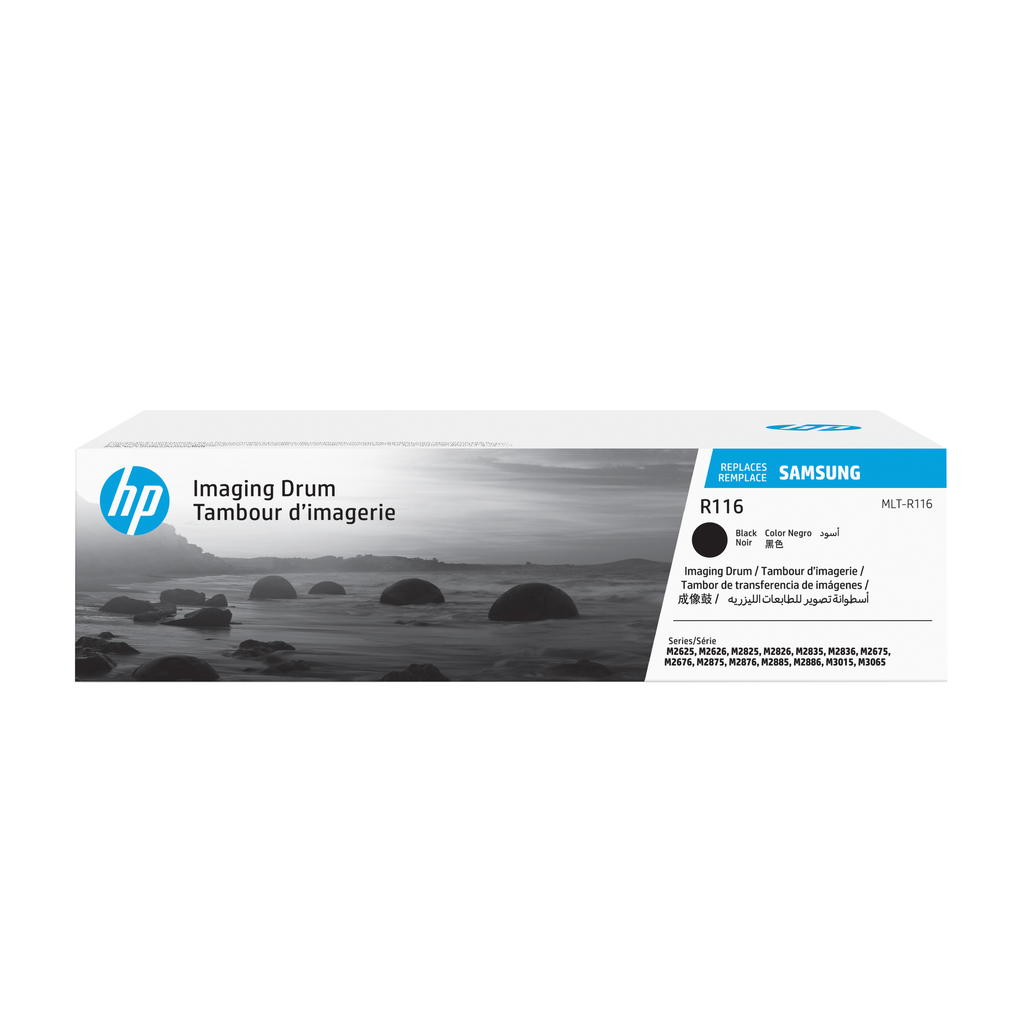
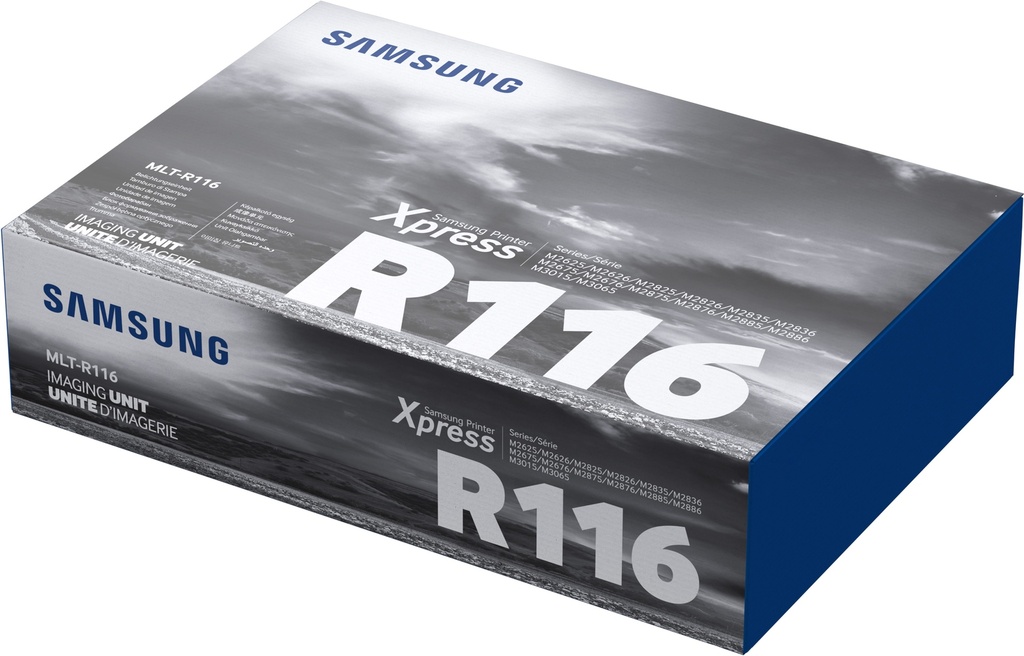
Genuine HP SV134A imaging drum (SV134A): on this series toner and drum are separate. The drum outlasts several toner cartridges (9,000 pages); the printer signals when it must be replaced. A genuine drum keeps sharpness and avoids repeated marks.
Drum and toner: two consumables
The toner holds the powder; the SV134A drum lays it on the sheet. The drum lasts about 9,000 pages. Repeated marks at regular intervals or a gray background: it is the drum to change, not the toner.
Printers compatible with the SV134A
The SV134A is compatible with 7 HP models (manufacturer list):
- laser Samsung Xpress SL-M2835DW (SS346A)
- laser Samsung Xpress SL-M2825ND (SS343B)
- laser multifonction Samsung Xpress SL-M2885FW (SS359B)
- laser multifonction Samsung Xpress SL-M2875ND (SS354A)
- laser multifonction Samsung Xpress SL-M2875FD (SS352B)
- laser multifonction Samsung Xpress SL-M2675FN (SS335B)
- laser multifonction Samsung Xpress SL-M2675F (SS334B)
Check the exact reference of your printer (label at the back or Information menu); suffixes (dn, dw, fdw, n) are variants of the same series and use the same consumables.
Page yield
9,000 pages (manufacturer estimate).
Installation and maintenance
Tool-free replacement: open the cover, remove the assembly, separate the toner from the used drum and clip it onto the new drum, put the assembly back. Do not touch the green surface and do not expose it to light for long. The used drum is returned through HP Planet Partners.
Use and tips
The SV134A drum is replaced far less often than the toner: 9,000 pages, i.e. about 9 months at 1,000 pages per month. The printer's counter tracks its wear and shows "Imaging drum very low" then "Replace".
Keep the drum in its packaging until installation; when installing, do not touch the green surface and limit exposure to light. Repeated marks at regular intervals or a gray background: replace the drum, not the toner.
Specifications
| Manufacturer reference | SV134A |
|---|---|
| EAN code | 191628484386 |
| Type | Imaging drum |
| Color | black |
| Page yield | 9,000 pages |
| Dimensions (W x D x H) | 262 x 365 x 99 mm |
| Origin | China |
| Compatible printers | 7 models |
Frequently asked questions
Is the SV134A compatible with my printer?
Yes if it appears in the list above (7 HP models). If in doubt, send us the exact model (e.g. "laser Samsung Xpress SL-M2835DW") and we confirm.
Genuine or compatible cartridge?
We sell genuine HP consumables only: yield guaranteed by the ISO standard, recognized by the printer, HP warranty preserved and free take-back for recycling.
Where can I find the safety data sheet and the manual?
On our HP support page: safety data sheet for the SV134A, drivers, manuals and FAQ for your printer, by country.