On this page
- Why choose the genuine Brother TN-1150 toner
- One capacity only
- Printers compatible with the TN-1150
- Page yield
- Installation and maintenance
- Use and tips
- Specifications
- Related products
- Frequently asked questions
Why choose the genuine Brother TN-1150 toner
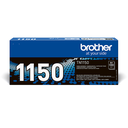
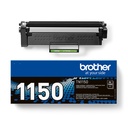
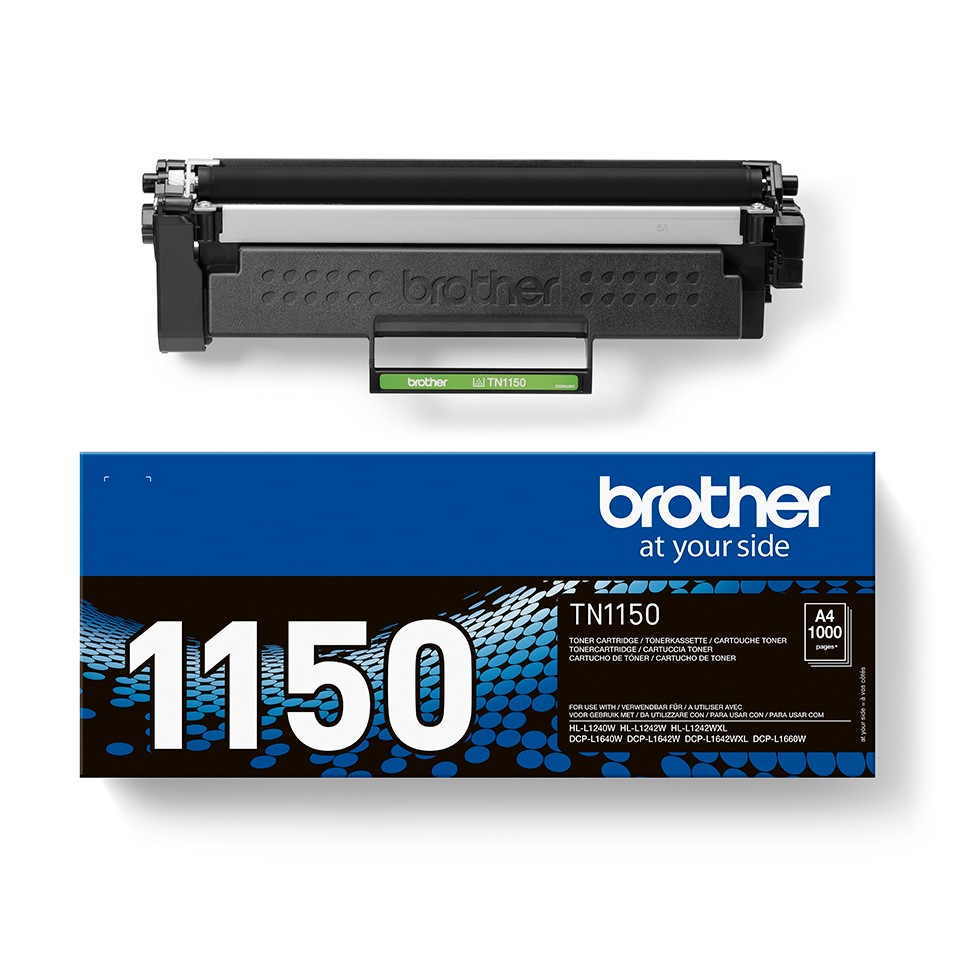
The TN-1150 is the standard version of the black cartridge in the TN-1150 range. Genuine Brother toner powder, matched to the DR-1150 drum and the fuser of these printers: sharp text, even solids, no leaks and no "toner not recognized" message. Toner powder does not dry out, so a printer used intermittently keeps the same print quality.
One capacity only
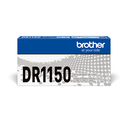
The TN-1150 range comes in a single capacity for this color (1,000 pages). The DR-1150 drum (10,000 pages) is sold separately.
Printers compatible with the TN-1150
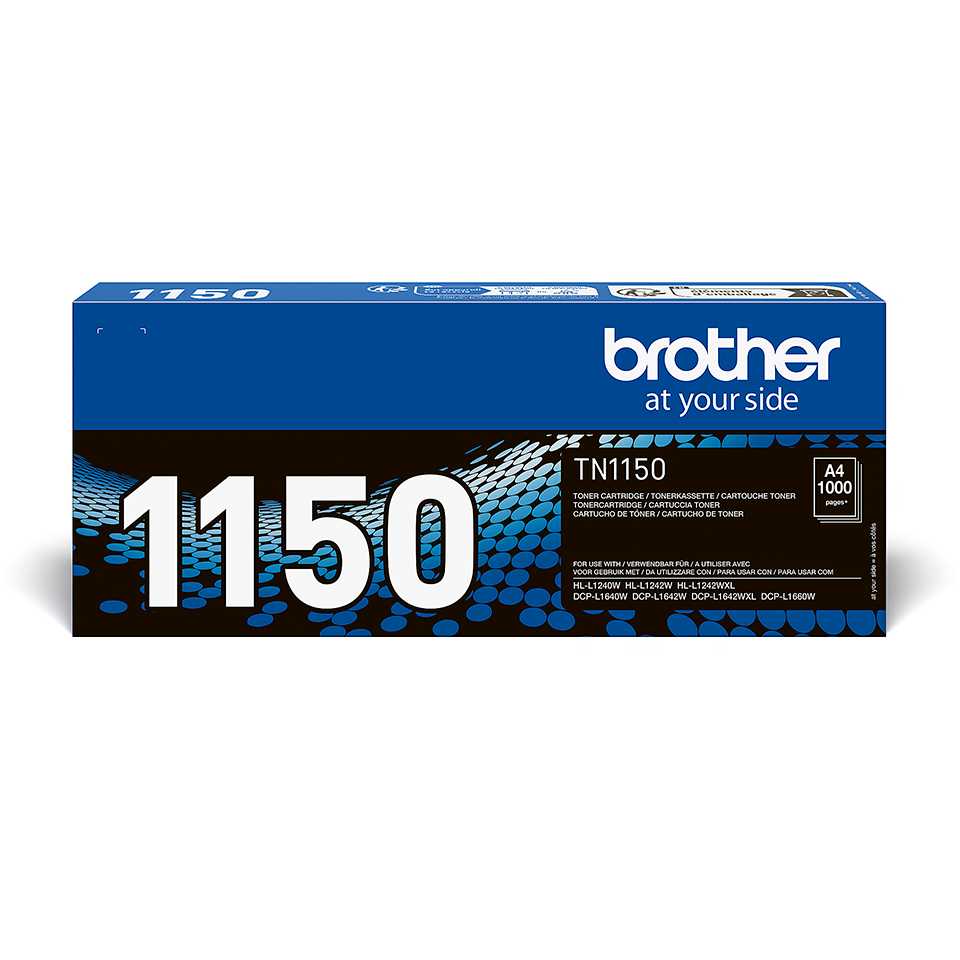
The TN-1150 is compatible with 5 Brother models (manufacturer list):
Check the exact reference on the label at the back or underneath the printer; the suffixes (D, DW, DN, CDW) matter.
Page yield
1,000 pages according to ISO/IEC 19752 (5% coverage, letter-type text). Graphics-heavy or bold documents reduce the actual yield. The cost per page shown next to the price is calculated from the current price and this yield, excluding drum and paper.
Installation and maintenance
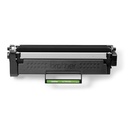
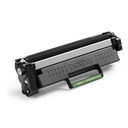
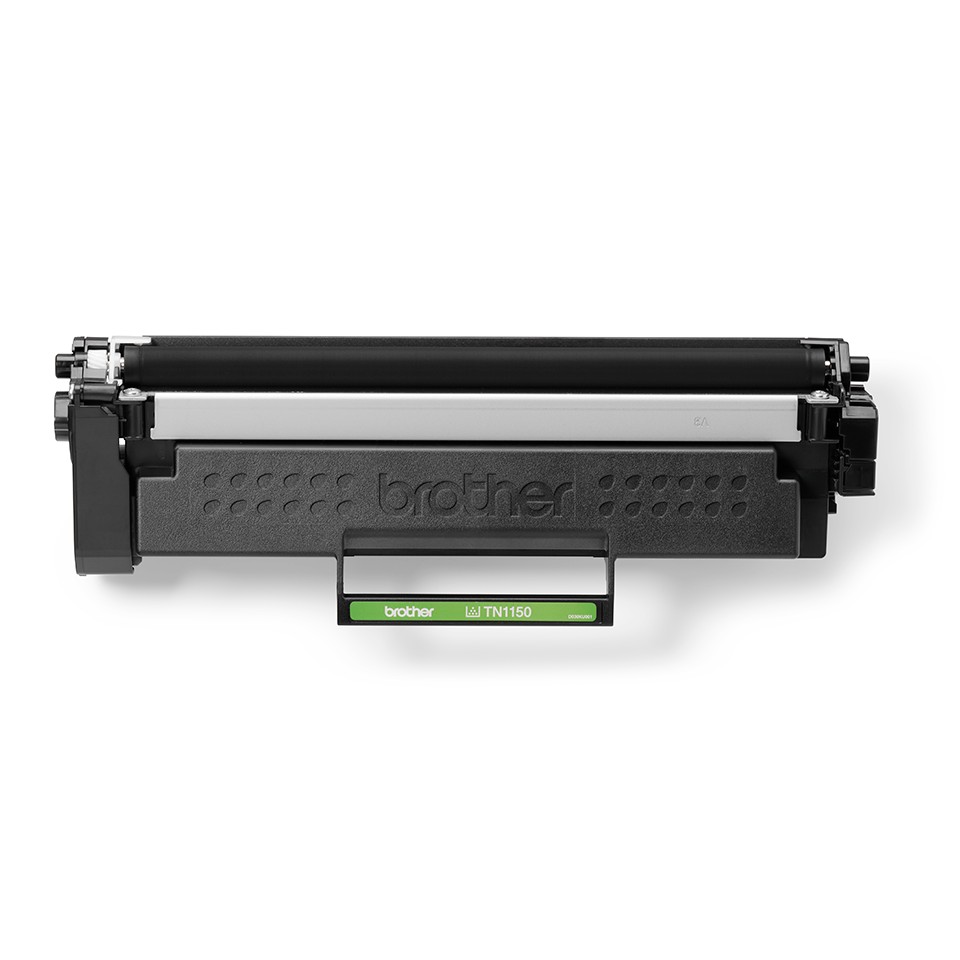
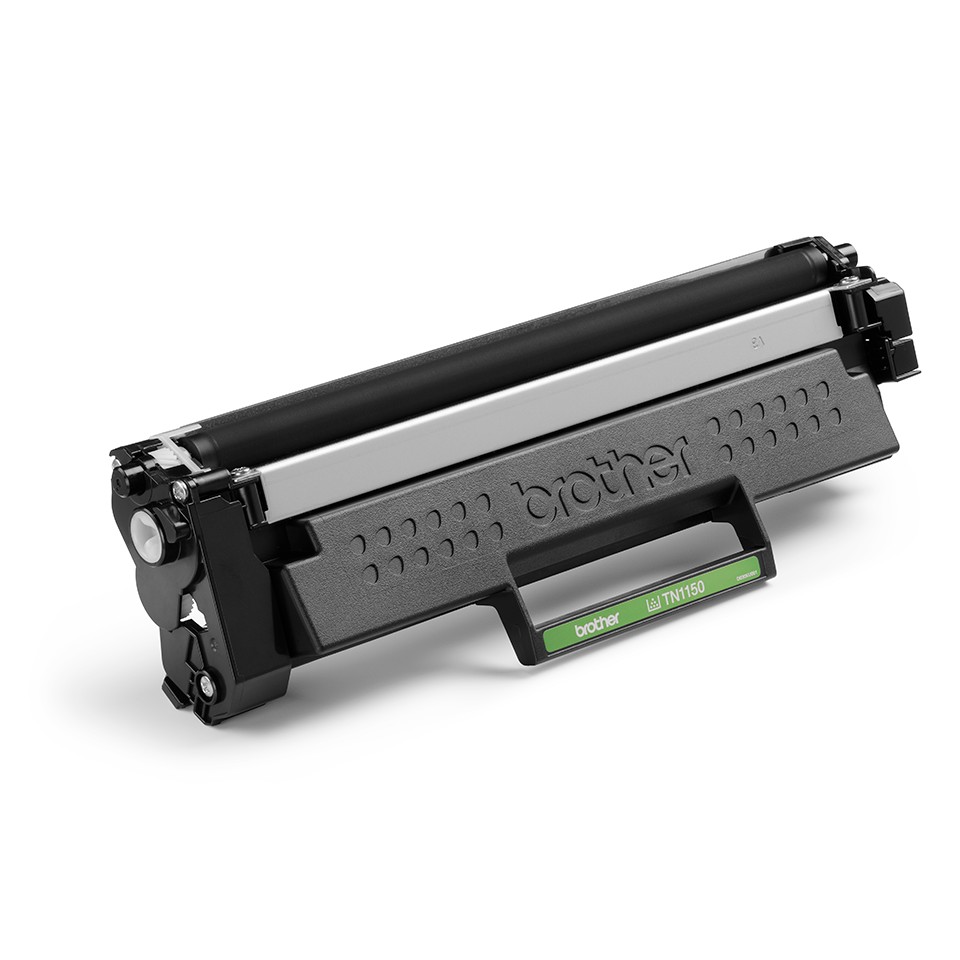
Tool-free replacement: open the front cover, pull out the drum + toner assembly, unclip the old toner, insert the TN-1150 and put the assembly back. The DR-1150 drum is a separate part rated for about 10,000 pages; the printer signals when it needs replacing. Used Brother toners can be returned free of charge through the Brother recycling program.
Use and tips
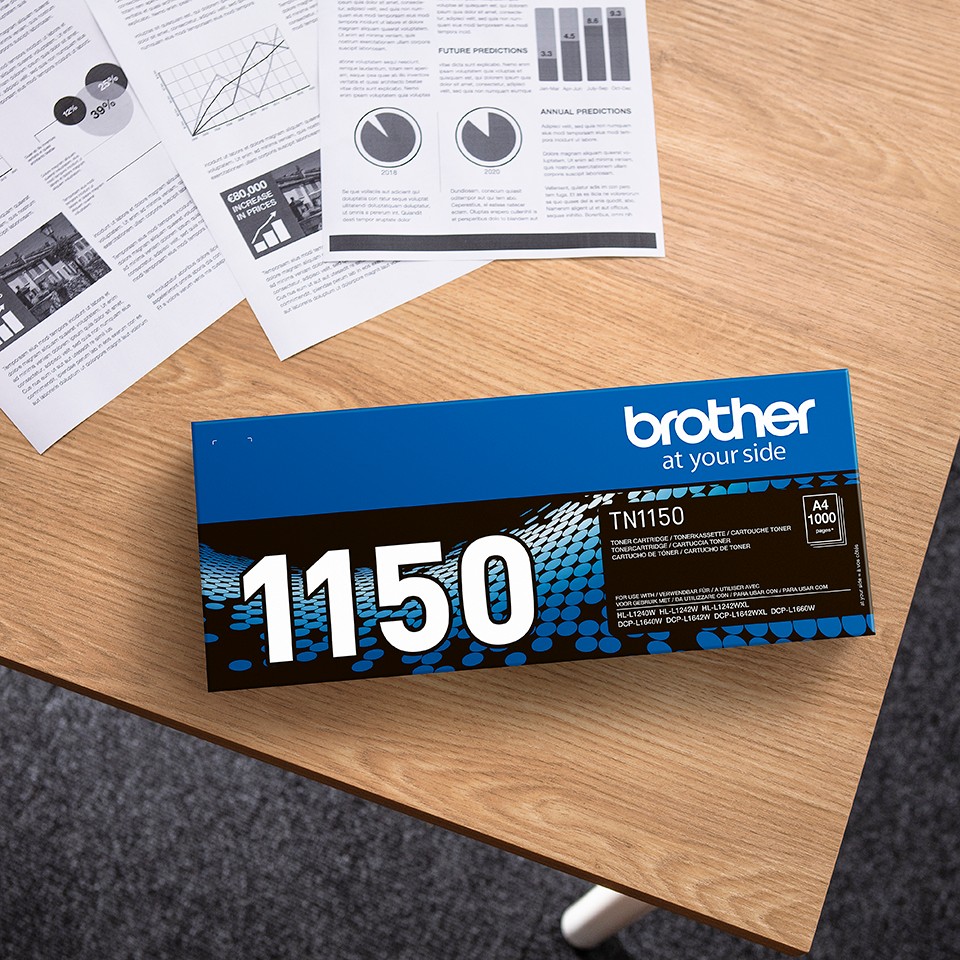
The TN-1150 suits a lightly used printer (letters, a few documents a week): the cartridge (1,000 pages) lasts about 3 months at 300 pages per month and about 1 months at 1,000 pages per month.
Store the cartridge in its original packaging, flat, away from direct light and humidity (0 to 35 °C), and unpack it only when installing. At the "Toner low" alert, plan the order: the printer keeps printing until "Replace toner" (the "Continue" menu setting extends printing further). The driver's toner save mode suits drafts; genuine cartridges preserve the printer's Brother warranty.
Specifications
| Manufacturer part number | TN-1150 (TN1150) |
|---|---|
| EAN code | 4977766842044 |
| Type | Genuine Brother toner (OEM) |
| Technology | Monochrome laser |
| Color | Black |
| Capacity | Standard |
| Page yield | 1,000 pages, ISO/IEC 19752 |
| Matching drum unit | DR-1150 (about 10,000 pages) |
| Contents | 1 toner cartridge |
| Net weight | 380 g |
| Product dimensions (L x W x H) | 52 x 90 x 265 mm |
| Compatible printers | 5 Brother HL, DCP, MFC models |
Related products
Frequently asked questions
Is the TN-1150 compatible with my Brother printer?
Yes if it appears in the list above (HL-L1240W to DCP-L1660W). If in doubt, compare the exact reference of your printer, suffix included.
How many pages does the Brother TN-1150 print?
Up to 1,000 pages according to ISO/IEC 19752 at 5% coverage. The actual yield depends on the type of documents.
Do I need to replace the drum together with the toner?
No. The DR-1150 drum lasts about 10,000 pages, roughly 10 TN-1150 cartridges. The printer indicates when to replace it.
How should an unopened toner be stored?
Flat, in its packaging, away from light and heat; the powder does not dry out, a toner stored for two years works normally.
Where can I find the safety data sheet (SDS) for the TN-1150?
On our Brother support page: safety data sheet for the TN-1150 in your language, manuals and FAQ for the compatible printers.