On this page
- Highlights
- Specifications
- Consumables, maintenance parts and accessories
- Usage
- Frequently asked questions
Highlights
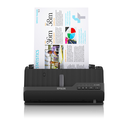
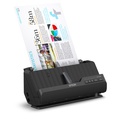
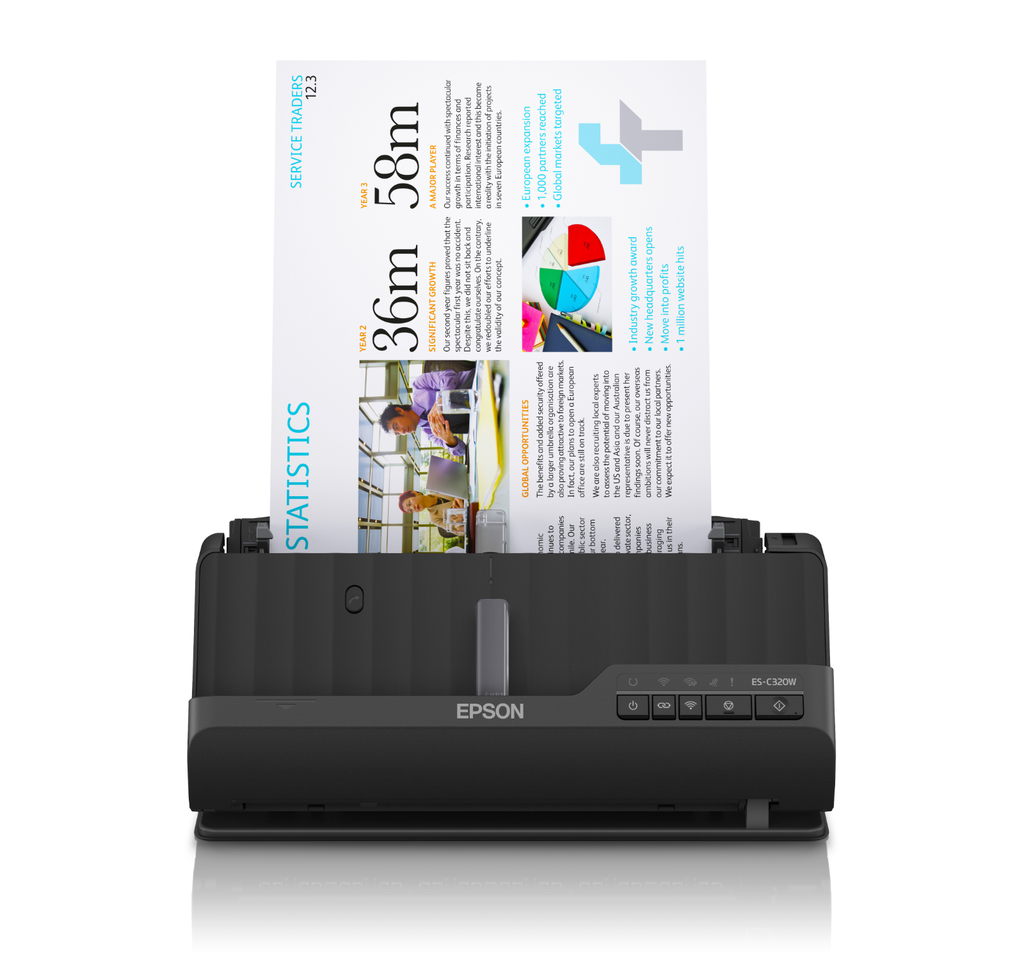
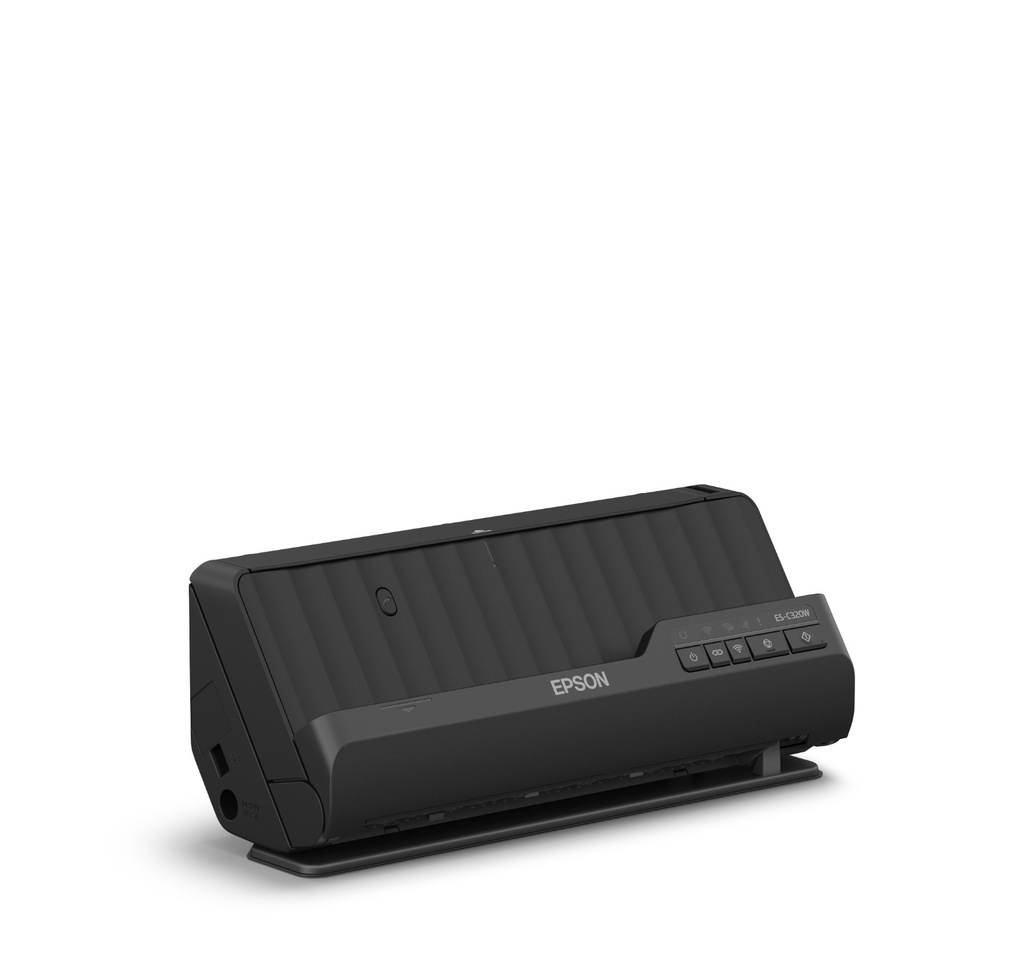
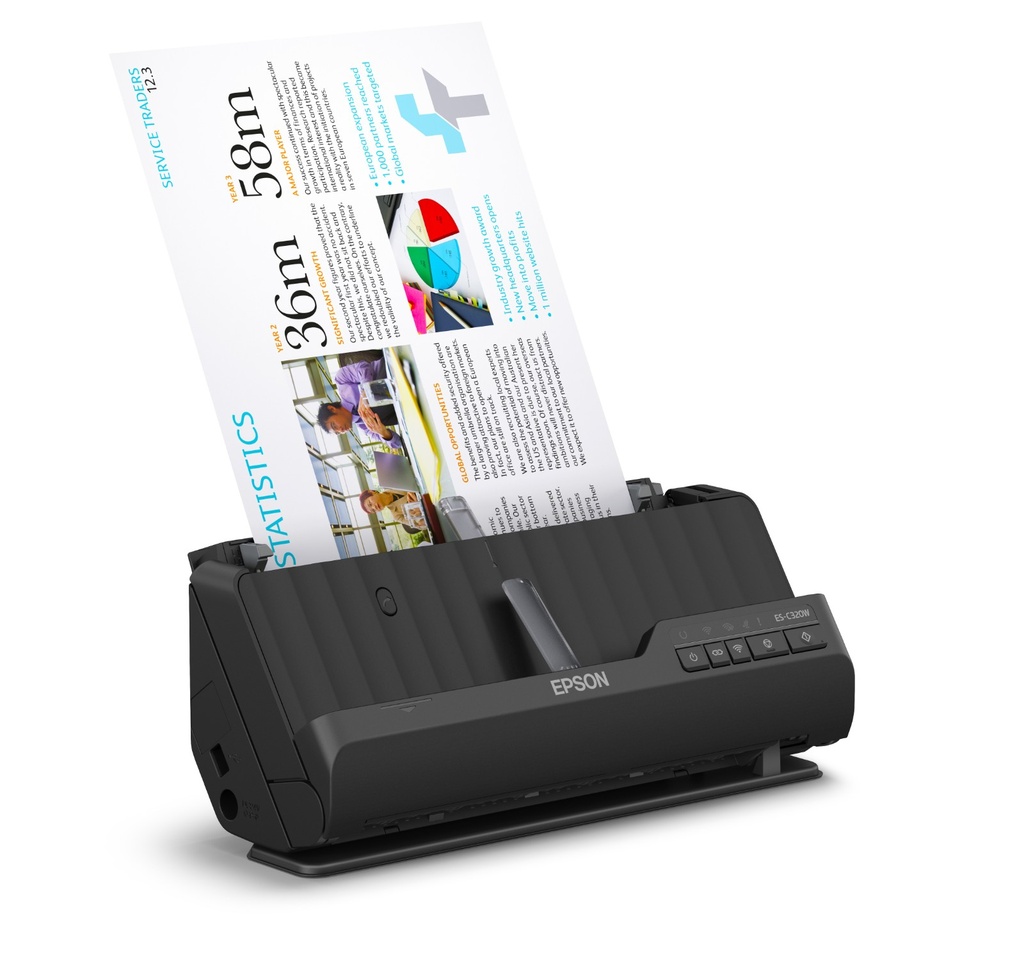
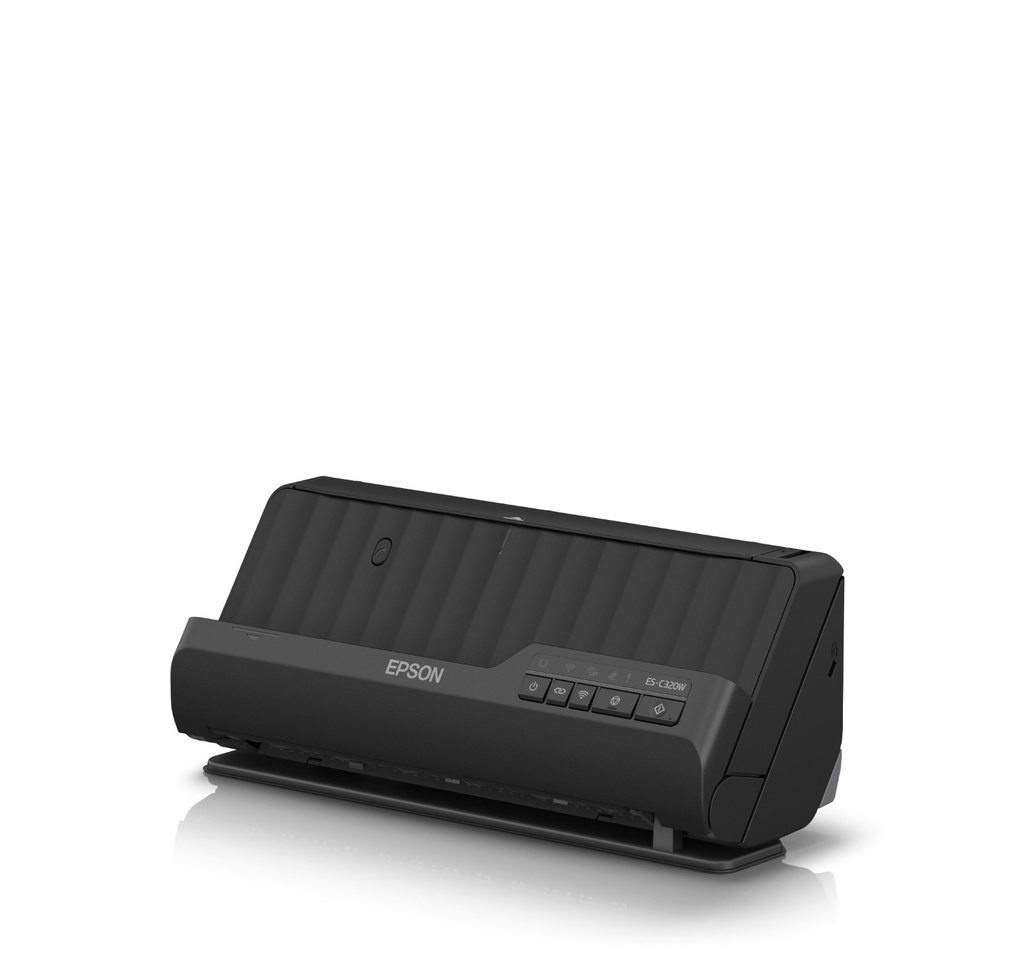
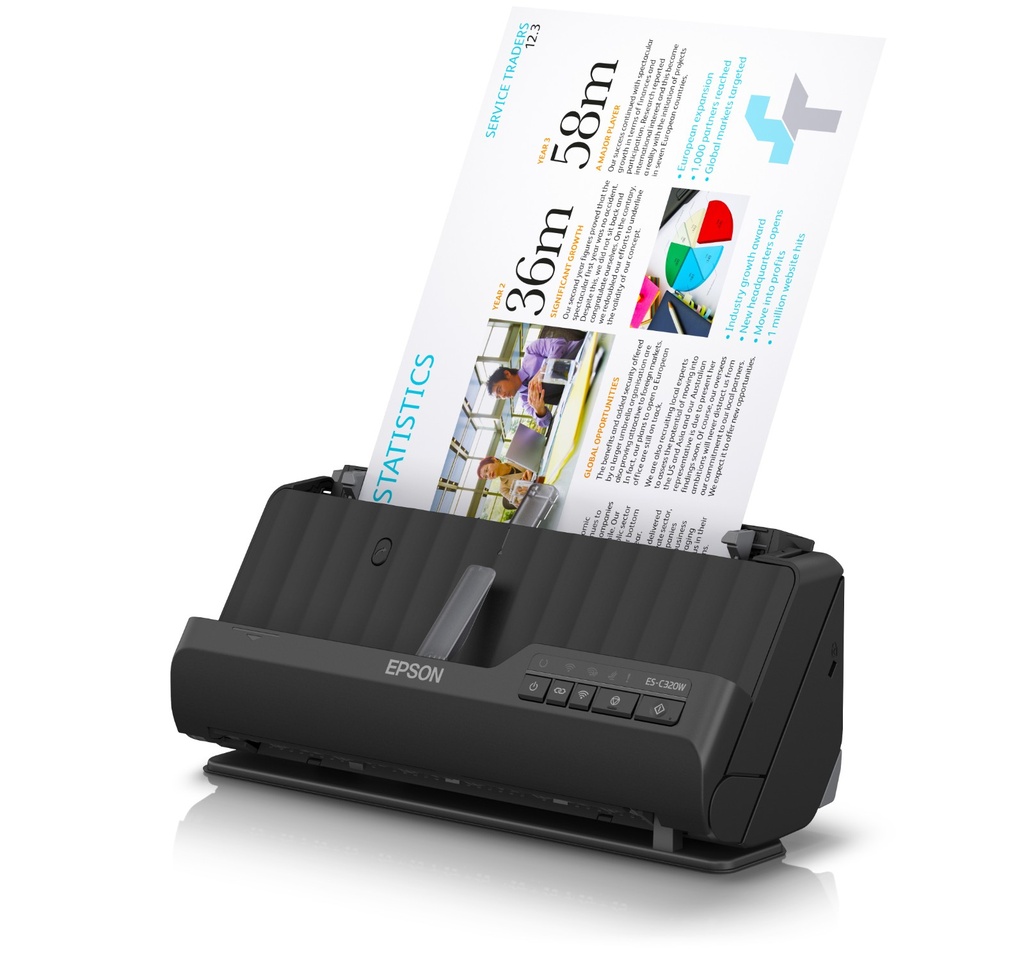
- Maximum scan size: 215.9 x 3048 mm, Optical scanning resolution: 600 x 600 DPI, Input colour depth: 30 bit.
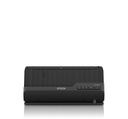
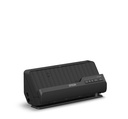
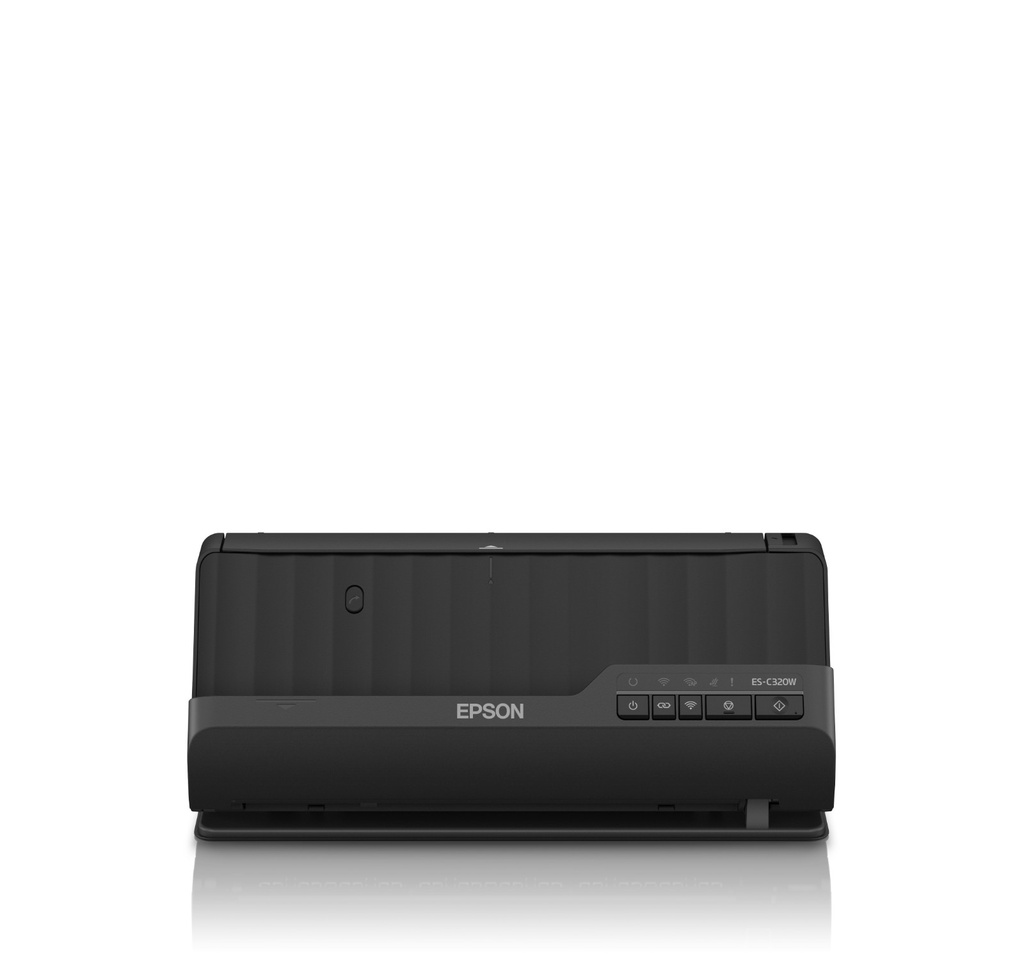
- Scanner type: ADF + Sheet-fed scanner, Product colour: Black, Control type: Buttons.
- Daily duty cycle (max): 3500 pages, Light source: ReadyScan LED, Scan to: E-mail, FTP, Network folder, Print.
- Standard input capacity: 20 sheets.
- Maximum ISO A-series paper size: A4, Scanning media types supported: Business Card, Plastic Card, Post Card(JPN), ISO A-series sizes (A0...A9): A4, A5, A6
Specifications
| Manufacturer reference | ES-C320W (B11B270401) |
|---|---|
| EAN code | 8715946718286 |
| Maximum scan size | 215.9 x 3048 mm |
| Optical scanning resolution | 600 x 600 DPI |
| Duplex scanning | Yes |
| Input colour depth | 30 bit |
| Output colour depth | 24 bit |
| Output monochrome depth | 8 bit |
| Scanner type | ADF + Sheet-fed scanner |
| Product colour | Black |
| Control type | Buttons |
| Built-in display | No |
| Light source | ReadyScan LED |
| Daily duty cycle (max) | 3500 pages |
| Scan to | E-mail, FTP, Network folder, Print |
| Scan drivers | ISIS, SANE, WIA |
| Standard input capacity | 20 sheets |
| Scanning media types supported | Business Card, Plastic Card, Post Card(JPN) |
| Maximum ISO A-series paper size | A4 |
| ISO A-series sizes (A0...A9) | A4, A5, A6 |
| ISO B-series sizes (B0...B9) | B5 |
| Letter | Yes |
| Legal | Yes |
| Paper tray media weight | 40 - 413 g/m² |
| Manufacturer warranty | 12 months, extended to 36 months return to base after registration with Epson |
Consumables, maintenance parts and accessories
The consumables and options of this model will be linked to this page when created.
Usage
The ES-C320W is made for teams that scan documents regularly: duplex batches, to the workstation, network or email depending on the model.
The included drivers (TWAIN and others depending on the model) integrate with mainstream document management software; the included Epson software makes scan profiles easy.
Good to know: check the connectivity (USB, network or Wi-Fi depending on the model) in the table above; for higher volumes, see the other scanners in the Epson category.
Frequently asked questions
Which consumables does this model use?
The genuine Epson consumables referenced for this model are listed in the section above with their yield; the machine itself signals required replacements.
Does it print duplex and over the network?
The specifications table above details the duplex features and exact connectivity of this model (USB, Ethernet, Wi-Fi as applicable), as well as supported mobile printing.
Where can I find drivers and the manual?
On our Epson support page: Windows and macOS drivers, user guide and software for this model.