

On this page
Highlights
- Connectivity: USB, Ethernet, Wi-Fi, Apple AirPrint, Mopria Print Service.
- Capacity: 250 sheets.
- Automatic duplex.
Specifications
| Manufacturer reference | MFC-J5740DW |
|---|---|
| EAN code | 4977766814379 |
| Type | Color inkjet all-in-one |
| Print resolution | 1200 x 4800 DPI |
| Automatic duplex | Yes |
| Maximum paper size | A3 |
| Paper sizes | A3, A4, A5, A6 |
| Paper capacity | 250 sheets |
| Multipurpose tray | 100 sheets |
| Output capacity | 100 sheets |
| Paper weights | 64 - 220 g/m² |
| Maximum monthly volume | 2500 pages per month |
| Copy resolution | 600 x 600 DPI |
| Copy zoom | 25 - 400% |
| Scan resolution | 600 x 600 DPI |
| Duplex scanning | Yes |
| Scan to | E-mail, E-mail Server, FTP, Image, Network folder |
| Fax | 33.6 Kbit/s |
| USB | Yes |
| Ethernet | Yes |
| Wi-Fi | Yes |
| Wi-Fi standards | 802.11a, 802.11b, 802.11g, Wi-Fi 4 (802.11n) |
| NFC | No |
| Mobile printing | Apple AirPrint, Mopria Print Service |
| Memory | 256 MB |
| Display | 8.81 cm (3.47") |
| Dimensions (W x D x H) | 468 x 489 x 636 mm |
| Weight | 20.7 k g |
| Origin | Philippines |
Consumables, maintenance parts and accessories
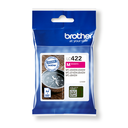
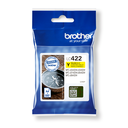
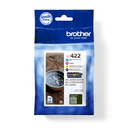
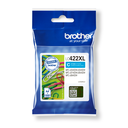
and 4 other compatible products
Use
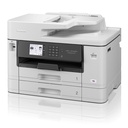
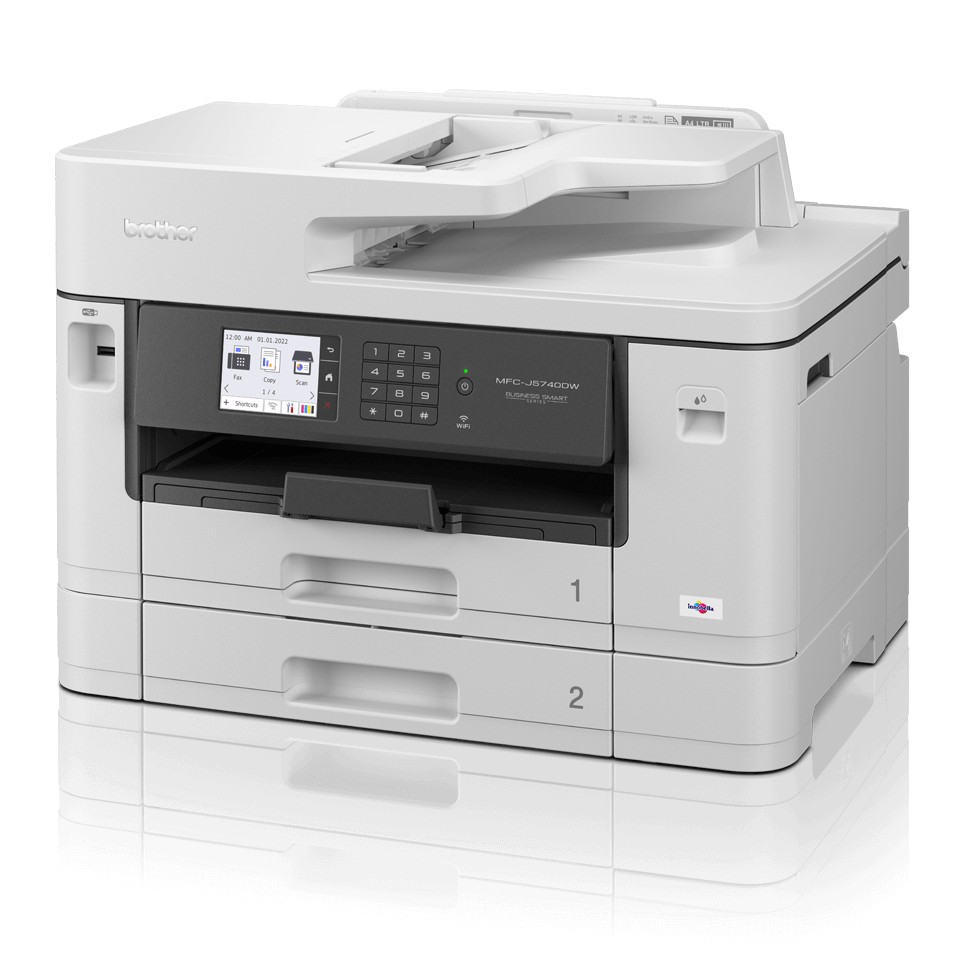
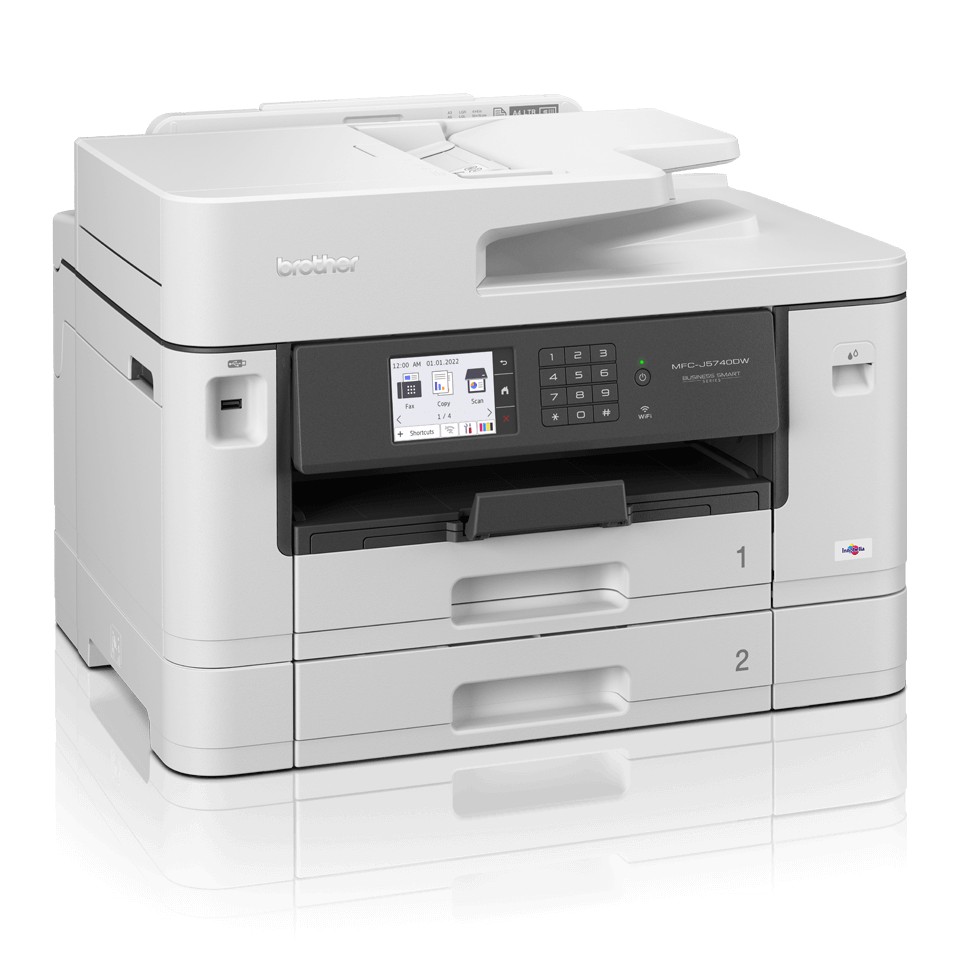
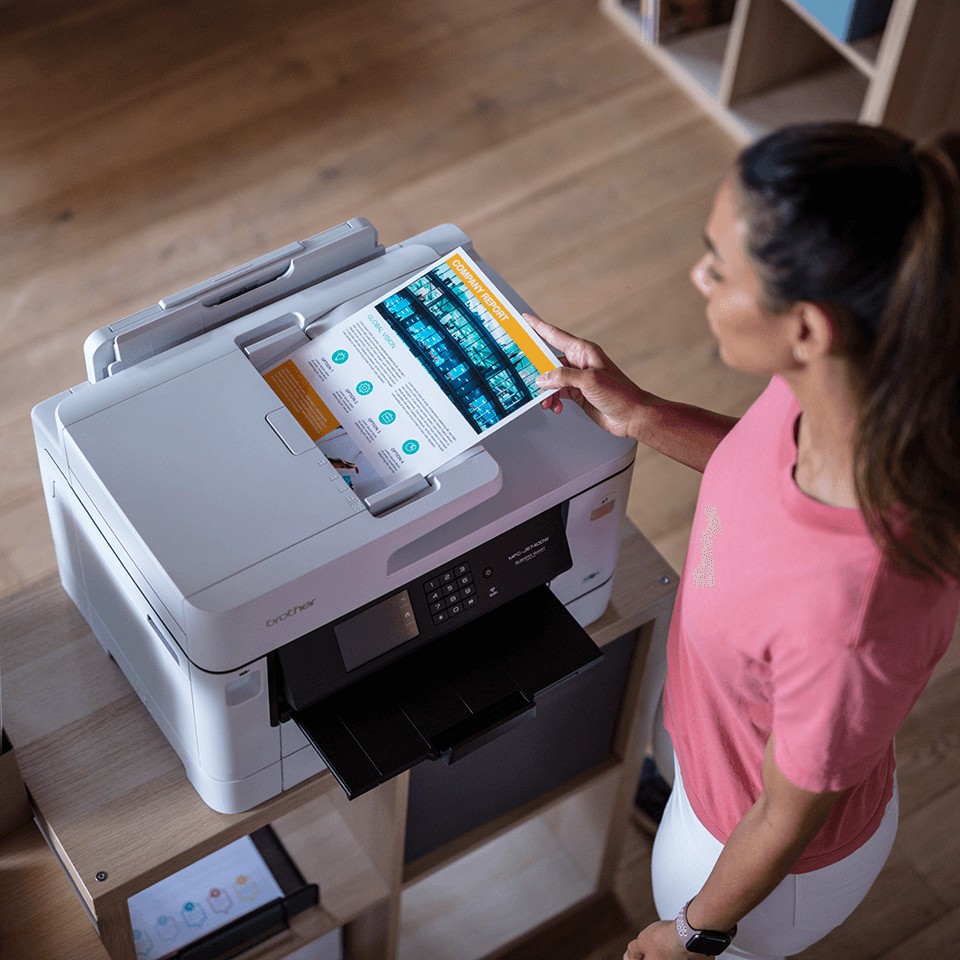
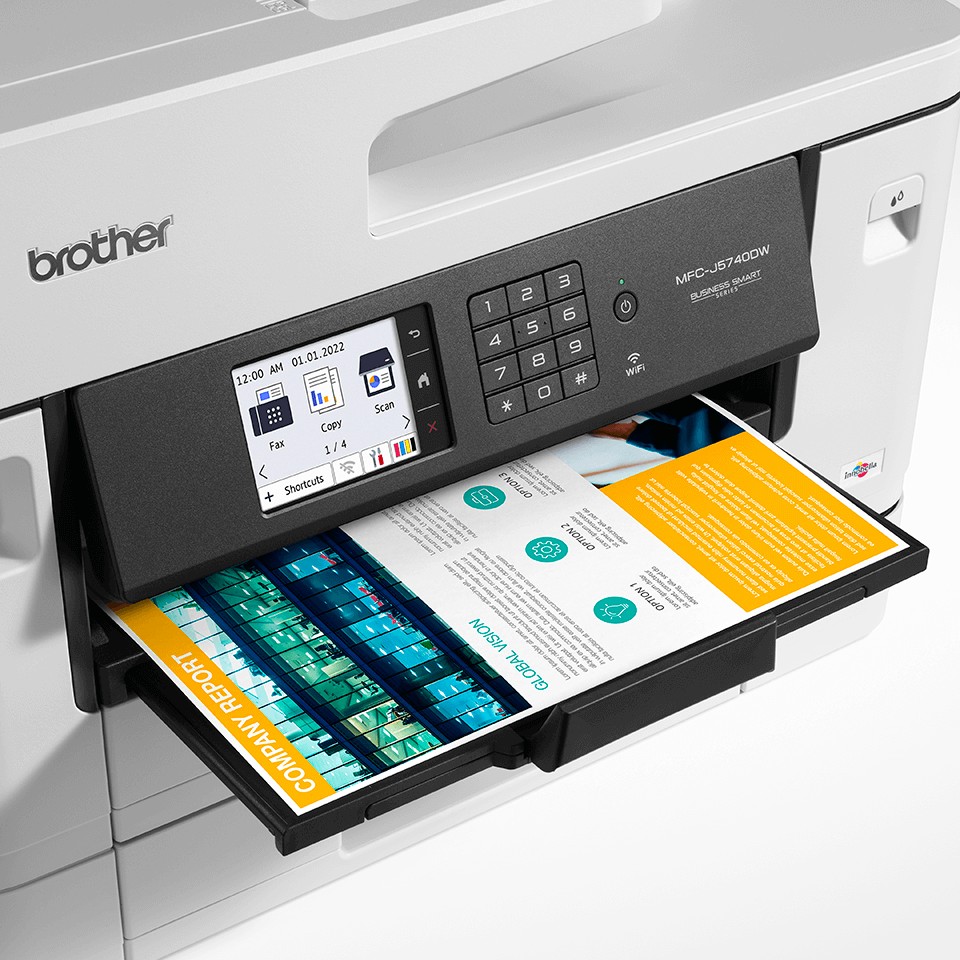
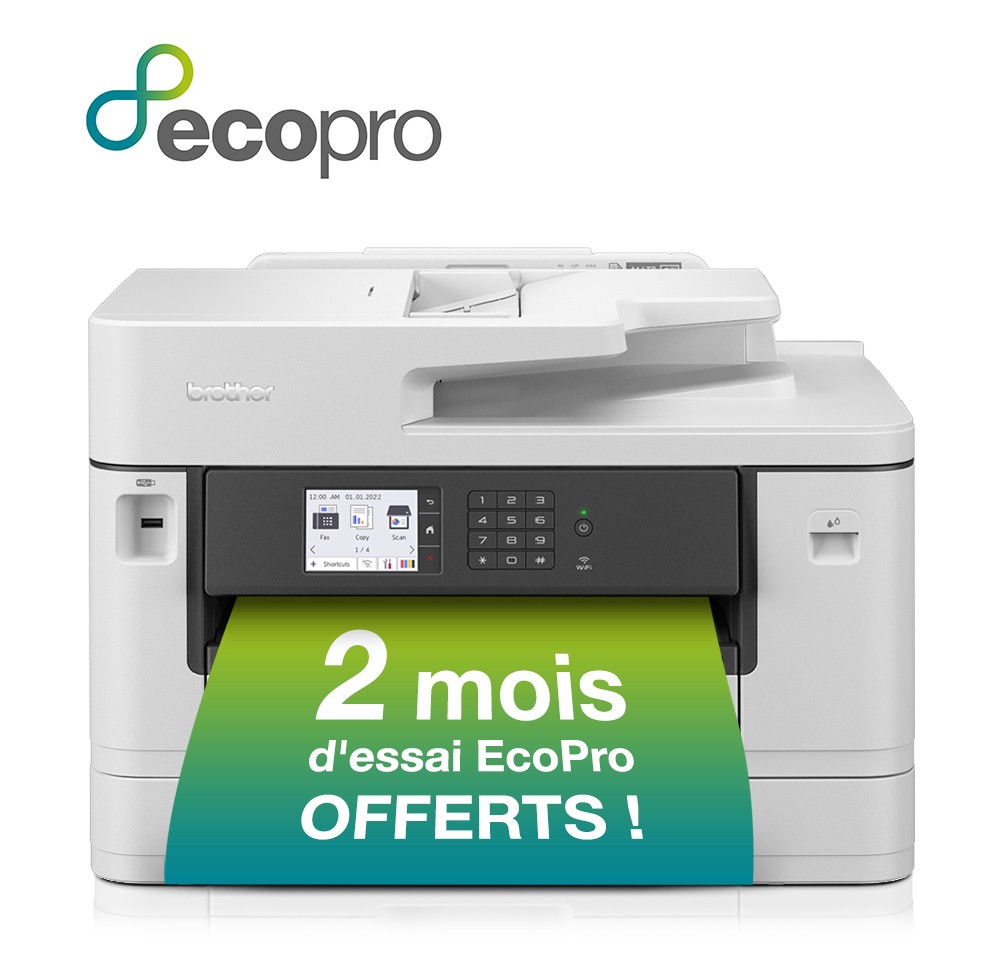
The Brother MFC-J5740DW color inkjet all-in-one is designed for small businesses, independent professionals and small offices: 250-sheet tray.
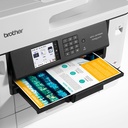
Color inkjet printing handles documents, photos and mixed media (photo paper, envelopes, labels); XL cartridges lower the cost per page. Automatic duplex halves paper use on reports and contracts. The flatbed copies and scans single pages, booklets and cards. A3 handles plans, spreadsheets and posters. Wi-Fi and mobile printing (AirPrint, Mopria, Brother Mobile Connect): print from a smartphone or tablet with no driver.
Good to know: the MFC-J5740DW scans from the flatbed, without a feeder and does not include a fax. For a document feeder or fax, see the MFC-J5955DW in the same series or Brother printers and all-in-ones.
Frequently asked questions
Which consumables does the MFC-J5740DW use?
The genuine Brother consumables listed above (LC-422XLBK / LC422XLBK black ink cartridge XL, LC-422XLC / LC422XLC cyan ink cartridge XL, LC-422XLY / LC422XLY yellow ink cartridge XL, LC-422M / LC422M magenta ink cartridge); maintenance parts are replaced when the device signals it.
Can the MFC-J5740DW be connected to a network?
Yes: USB, Ethernet, Wi-Fi, Apple AirPrint, Mopria Print Service.
Where can I find drivers and the manual?
On our Brother support page: drivers, user guide, software and FAQ for the MFC-J5740DW, by country.