On this page
- Why choose the genuine Brother LC-22UBK ink cartridge
- Which capacity: or LC-22EBK?
- Printers compatible with the LC-22UBK
- Page yield
- Installation and maintenance
- Use and tips
- Specifications
- Related products
- Frequently asked questions
Why choose the genuine Brother LC-22UBK ink cartridge
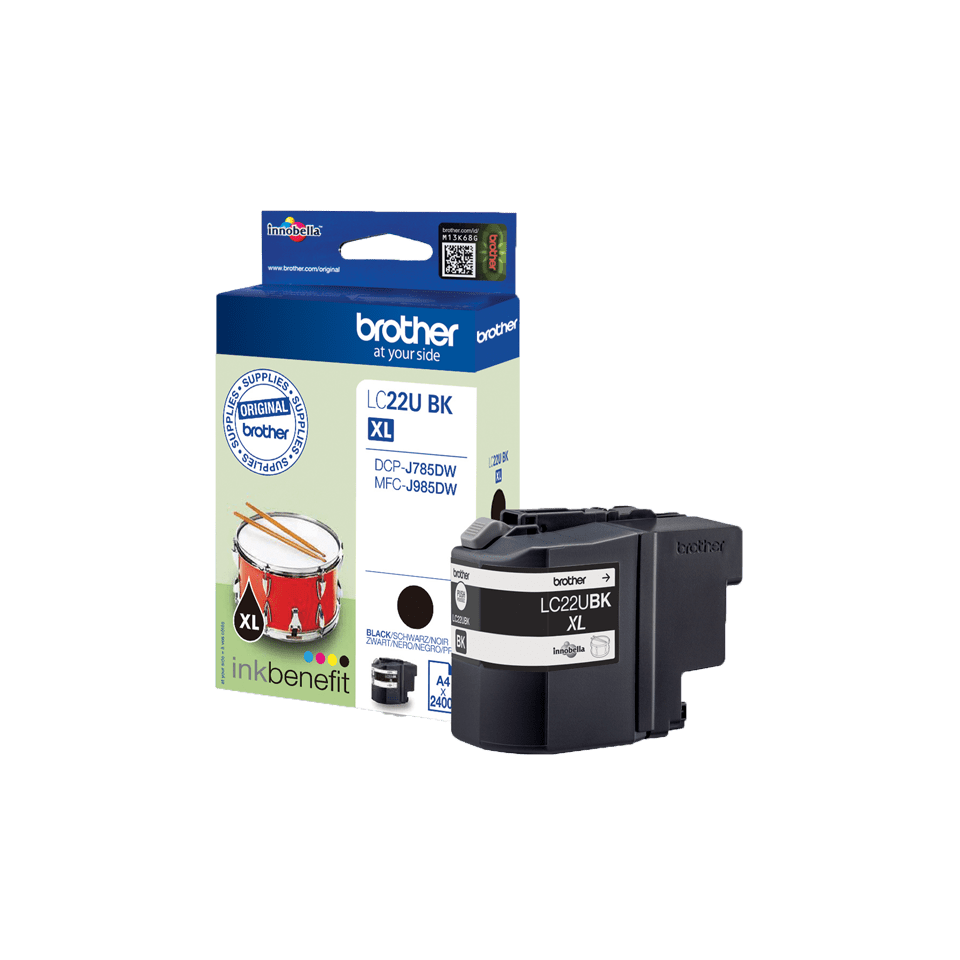
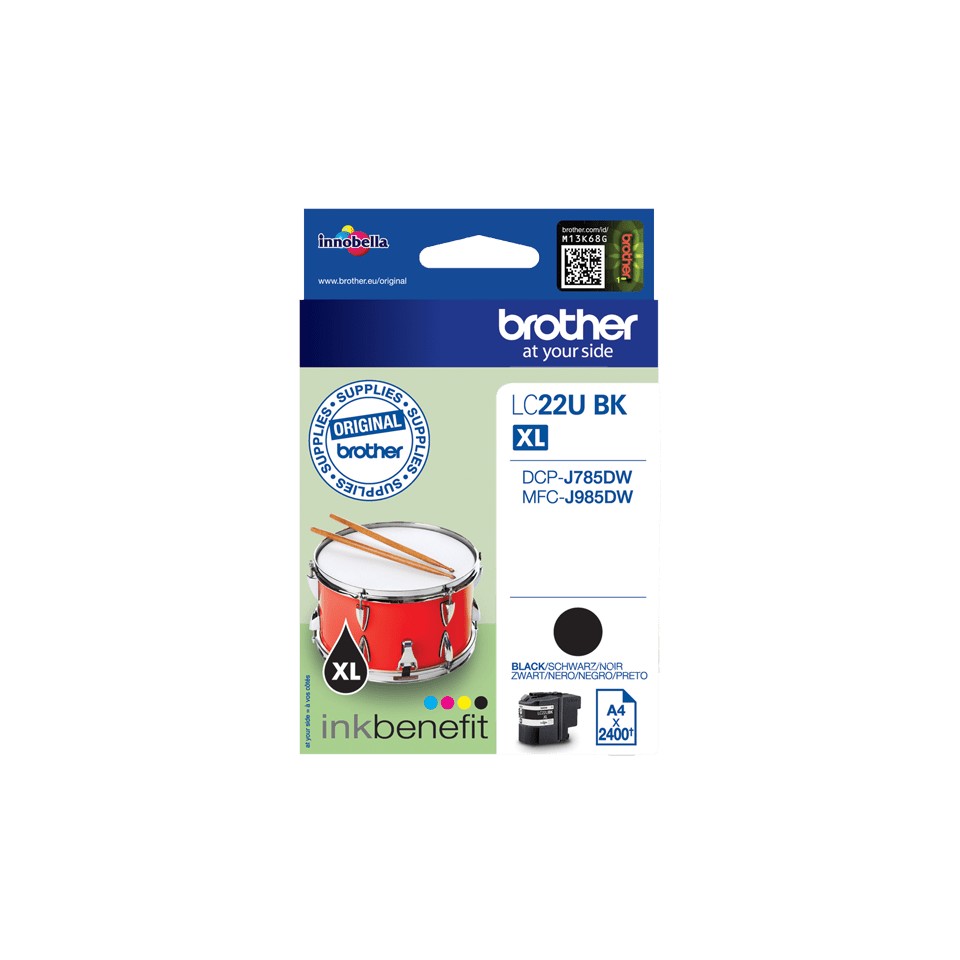
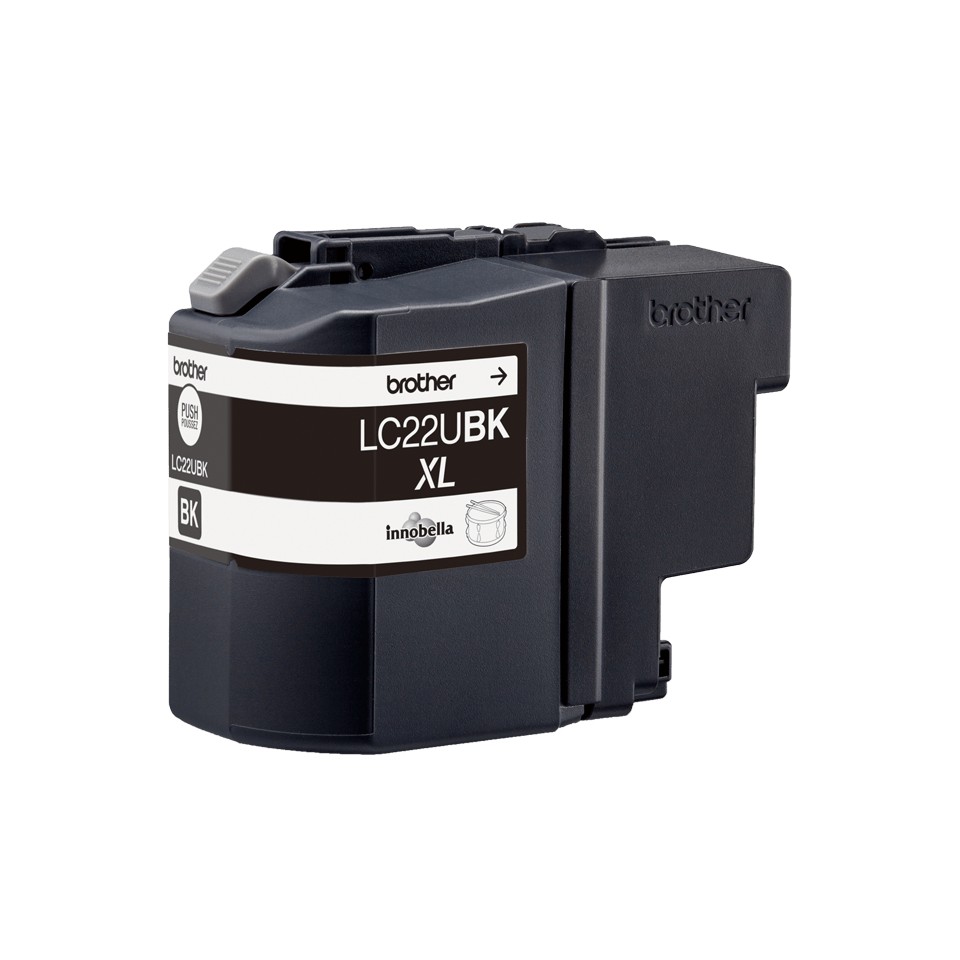
The LC-22UBK is the standard version of the black cartridge in the LC-22 range. Genuine Brother ink, formulated for the print head of these models: faithful colors, fast drying, no clogged nozzles and no "cartridge not recognized" message. On these printers the black is a pigment ink (sharp, water-resistant text) and the colors are dye inks (bright photos and graphics).
Which capacity: or LC-22EBK?
These references fit the same printers and differ only in the amount of ink: and the LC-22EBK (2,400 pages). The LC-22EBK suits occasional use; from a few dozen pages per month, a higher capacity costs less per page and is replaced less often.
Printers compatible with the LC-22UBK
The LC-22UBK is compatible with 2 Brother models (manufacturer list):


Check the exact reference on the label at the back or underneath the printer; the suffixes (W, DW, CDW) matter.
Page yield
2,400 pages according to ISO/IEC 24711 (5% coverage per color, letter-type text). Photos and solid color areas use far more; part of the ink is used for automatic print head cleaning. The cost per page shown next to the price is calculated from the current price and this yield, excluding paper.
Installation and maintenance
Tool-free replacement with the printer on: open the cartridge cover, press the lever of the empty cartridge and pull it out, remove the protective cap of the new cartridge without touching the contacts, insert it until it clicks in the slot of its color, close the cover; the printer primes the cartridge. Replace a cartridge only when the printer asks for it and never leave a slot empty: the print head would dry out. A lightly used inkjet printer stays in good condition if it is left plugged in (automatic cleaning) and prints a color page every two weeks. Used Brother cartridges can be returned free of charge through the Brother recycling program.
Use and tips
The LC-22UBK cartridge suits intensive or shared use: 2,400 pages, i.e. over 2 years at 100 pages per month and about 8 months at 300 pages per month.
Keep the printer plugged in and switched on: it maintains its nozzles automatically and uses very little power in standby; print a color page every two weeks to prevent the head from drying out. Store cartridges in their packaging, away from heat and sunlight, and install them before the date printed on the box. At the "Ink low" alert, order: the printer keeps printing until "Cannot print". A genuine cartridge protects the print head and the Brother warranty; cartridges sold for another region are not recognized.
Specifications
| Manufacturer part number | LC-22UBK (LC22UBK) |
|---|---|
| EAN code | 4977766759649 |
| Type | Genuine Brother ink cartridge (OEM) |
| Technology | Inkjet |
| Color | Black |
| Capacity | Standard |
| Page yield | 2,400 pages, ISO/IEC 24711 |
| Standard cartridge yield | LC-22EBK (2,400 pages) |
| Contents | 1 ink cartridge |
| Net weight | 96 g |
| Product dimensions (L x W x H) | 40 x 93 x 115 mm |
| Origin | Philippines |
| Compatible printers | 2 Brother inkjet models |
Related products



Frequently asked questions
Is the LC-22UBK compatible with my Brother printer?
Yes if it appears in the list above (DCP-J785DW to MFC-J985DW). If in doubt, compare the exact reference of your printer, suffix included.
What is the difference between LC-22UBK and LC-22EBK?
Same cartridge, same printers; the LC-22UBK prints 2,400 pages, the LC-22EBK 2,400 pages. The higher capacity costs less per page.
How many pages does the Brother LC-22UBK print?
Up to 2,400 pages according to ISO/IEC 24711 at 5% coverage. The actual yield depends on the type of documents; photos use far more.
Do I need to replace all cartridges at the same time?
No. Each color is replaced separately when the printer reports it empty; the others keep working.
How should an unopened cartridge be stored?
Flat, in its packaging, away from light and heat; preferably use it before the date printed on the box and within six months after opening.
I rarely print: will the ink dry out?
The printer runs automatic cleaning cycles if it stays plugged in. Printing one color page every two weeks is enough to keep the nozzles in good condition.
Where can I find the safety data sheet (SDS) for the LC-22UBK?
On our Brother support page: safety data sheet for the LC-22UBK in your language, manuals and FAQ for the compatible printers.