

On this page
- Highlights
- Specifications
- Consumables, maintenance parts and accessories
- Usage
- Frequently asked questions
Highlights
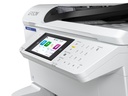
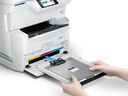
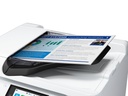
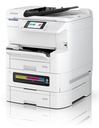
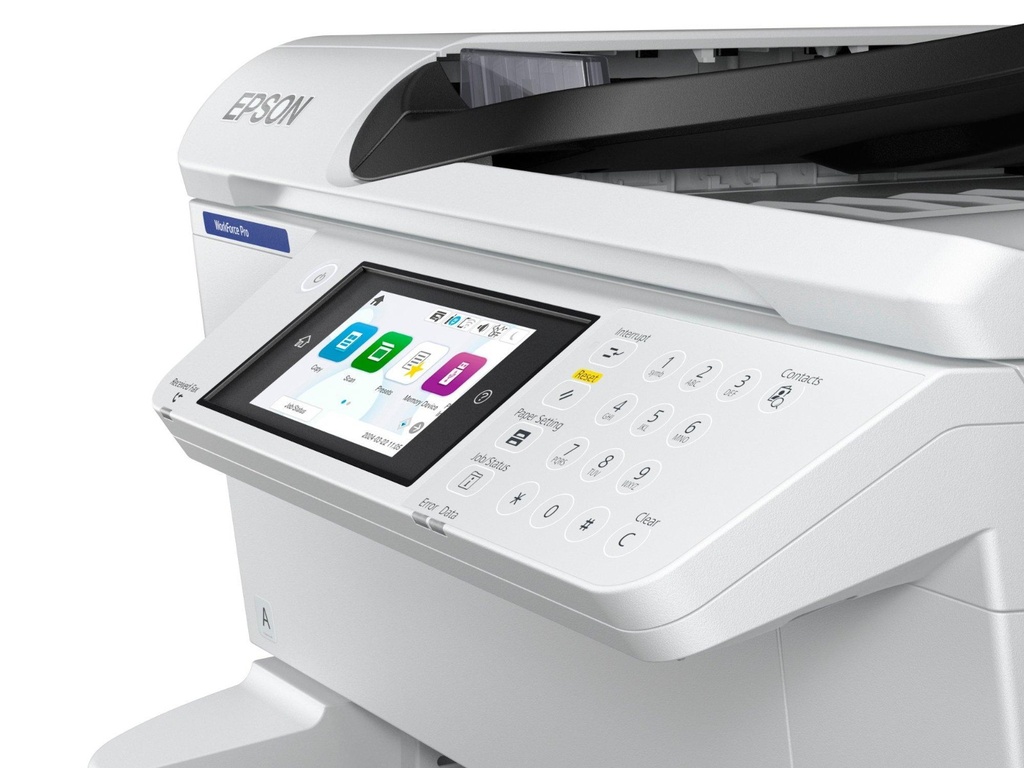
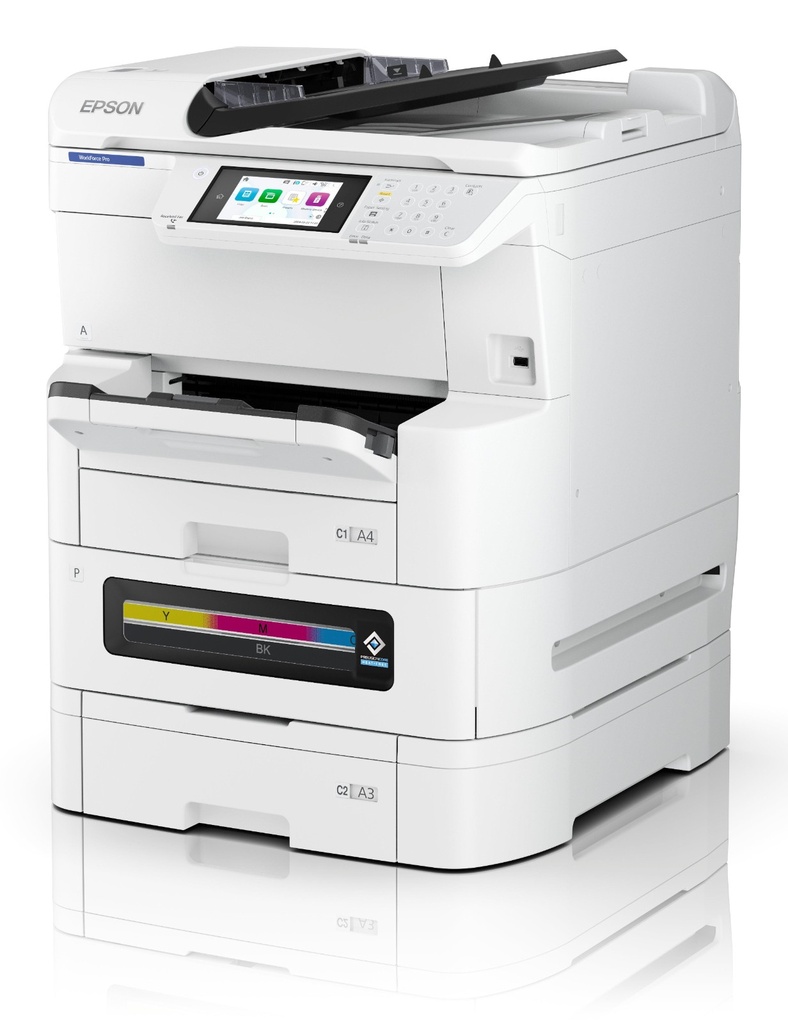
- Epson WorkForce Pro EM-C8100RDWF.
- Print technology: Inkjet, Printing: Colour printing, Maximum resolution: 4800 x 1200 DPI.
- Copying: Colour copying, Maximum copy resolution: 600 x 600 DPI.
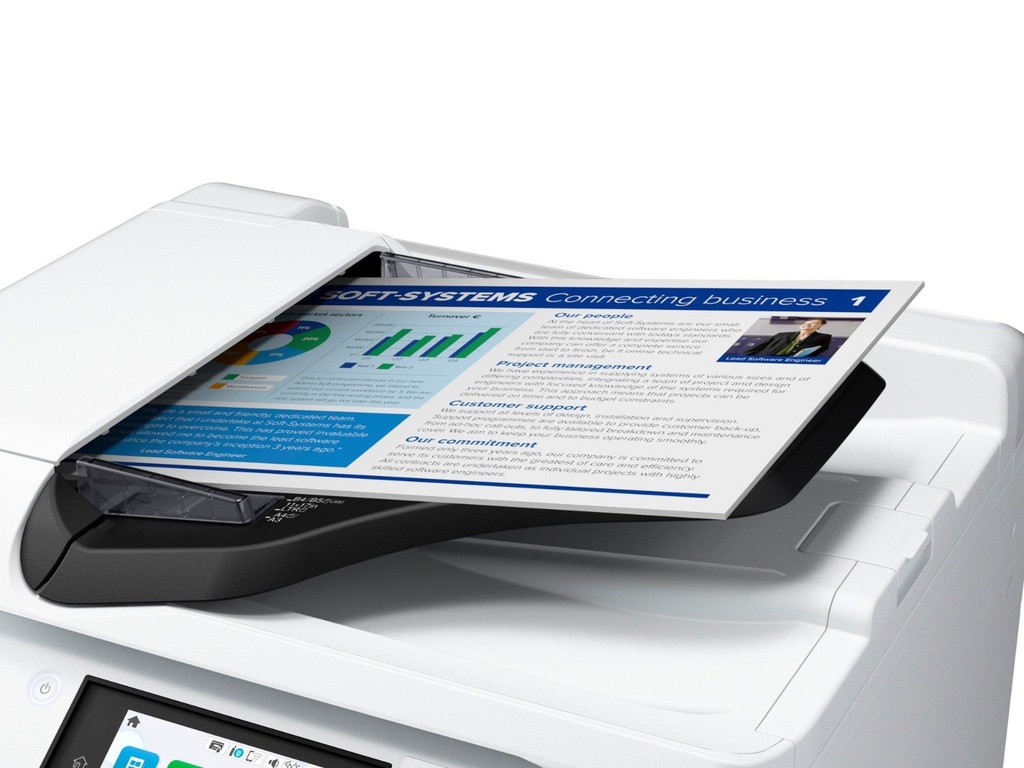
- Scanning: Colour scanning, Optical scanning resolution: 1200 x 2400 DPI.
- Maximum ISO A-series paper size: A3.
Specifications
| Modèle | EM-C8100RDWF |
|---|---|
| Impression recto verso automatique | Yes |
| Format maximal | A3+ |
Caractéristiques vérifiées le 9 septembre 2026. Source constructeur
Consumables, maintenance parts and accessories
Consumables and parts referenced for this model:
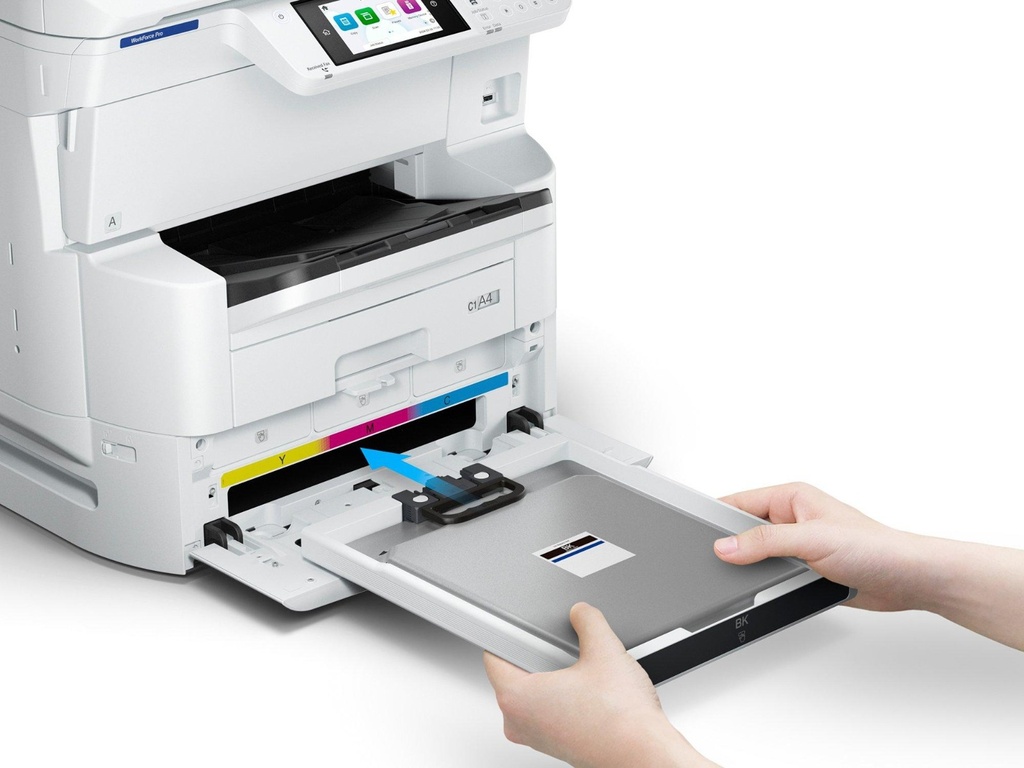
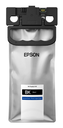 | C13T13L140 WorkForce Pro EM-C810xR Ink Pack XL Black |
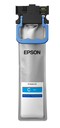 | C13T13L240 WorkForce Pro EM-C810xR Ink Pack XL Cyan |
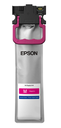 | C13T13L340 WorkForce Pro EM-C810xR Ink Pack XL Magenta |
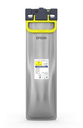 | C13T13L440 WorkForce Pro EM-C810xR Ink Pack XL Yellow |
Options referenced for this model:
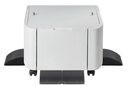 | 7112434 High Cabinet for WF-C87XR |
 | C12C932611 500-Sheet Paper Cassette |
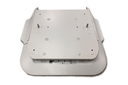 | C12C934321 WF-C878R/WF-C879R Printer Stand |
Usage
The EM-C8100RDWF is built for teams looking for a reliable business device: Epson's Heat-Free inkjet technology limits wearing parts and power consumption, keeping running costs under control.
Day to day: printing documents and files, scanning to the network or email, management from the device screen; no warm-up time means a fast first page.
Good to know: the consumables and options listed above are those referenced by Epson for this model; for higher volumes or speeds, see the other models of the range in the Epson category.
Frequently asked questions
Which consumables does this model use?
The genuine Epson consumables referenced for this model are listed in the section above with their yield; the machine itself signals required replacements.
Does it print duplex and over the network?
The specifications table above details the duplex features and exact connectivity of this model (USB, Ethernet, Wi-Fi as applicable), as well as supported mobile printing.
Where can I find drivers and the manual?
On our Epson support page: Windows and macOS drivers, user guide and software for this model.