
On this page
- Highlights
- Specifications
- Consumables, maintenance parts and accessories
- Usage
- Frequently asked questions
Highlights
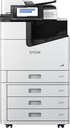
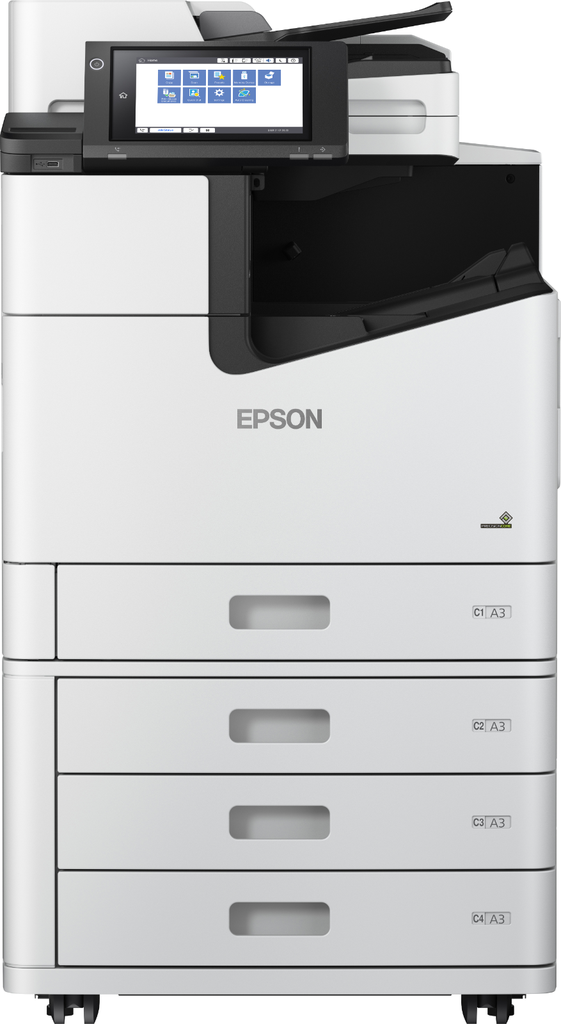
- Epson WorkForce Enterprise WF-M21000 D4TW.
- Print technology: Inkjet, Printing: Mono printing, Maximum resolution: 600 x 2400 DPI.
- Copying: Mono copying, Maximum copy resolution: 600 x 600 DPI.
- Scanning: Colour scanning, Optical scanning resolution: 600 x 600 DPI.
- Maximum ISO A-series paper size: A4.
Specifications
| Manufacturer reference | WF-M21000 (C11CJ87401) |
|---|---|
| EAN code | 8715946688275 |
| Print technology | Inkjet |
| Printing | Mono printing |
| Duplex printing | Yes |
| Maximum resolution | 600 x 2400 DPI |
| Print speed (black, normal quality, A4/US Letter) | 100 ppm |
| Print speed (black, normal quality, A3) | 54 ppm |
| Print speed (colour, normal quality, A3) | 54 ppm |
| Print speed (ISO/IEC 24734) black | 100 ppm |
| Duplex print speed (black, normal quality, A4/US Letter) | 100 ppm |
| Duplex print speed (ISO/IEC 24734, A4) black | 100 ppm |
| Time to first page (black, normal) | 4.9 s |
| Copying | Mono copying |
| Maximum copy resolution | 600 x 600 DPI |
| Maximum copy size | A3 |
| Maximum number of copies | 9999 copies |
| Copier resize | 25 - 400% |
| Duplex scanning | Yes |
| Scanning | Colour scanning |
| Optical scanning resolution | 600 x 600 DPI |
| Optical scanning resolution (ADF) | 600 x 600 DPI |
| Scanner type | Flatbed & ADF scanner |
| Scan technology | CIS |
| Manufacturer warranty | Extendable with Epson CoverPlus packs (base term being confirmed with Epson) |
Consumables, maintenance parts and accessories
Consumables and parts referenced for this model:
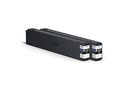 | C13T04Q100 WorkForce Enterprise WF-M20590 Black Ink |
Usage
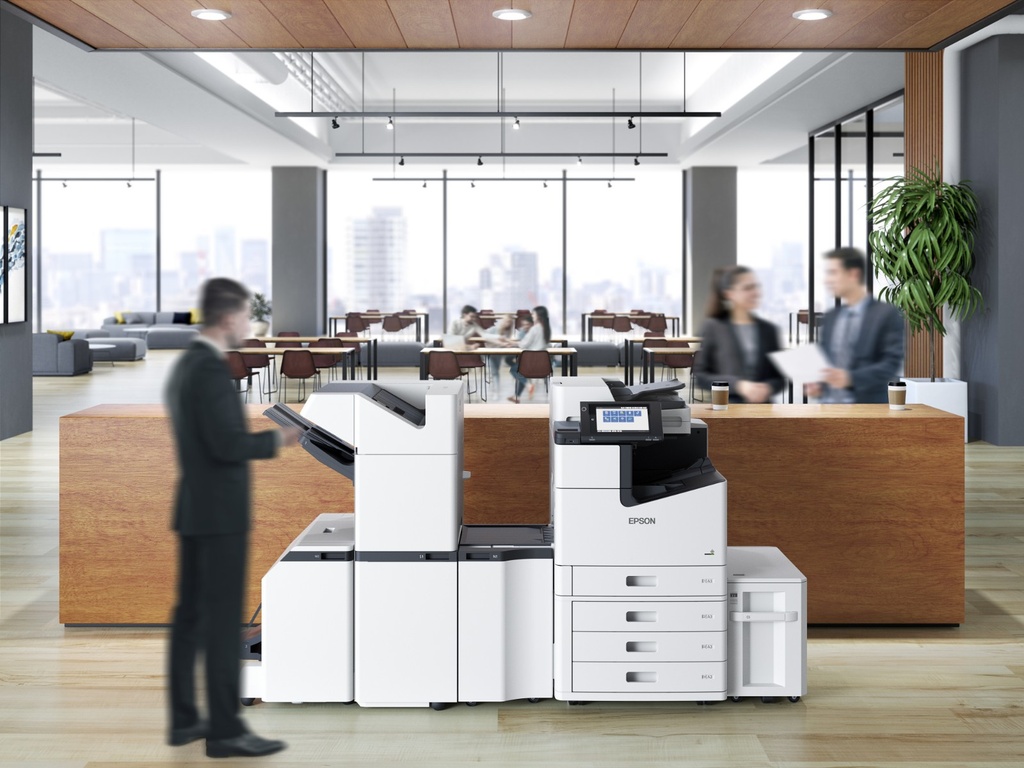
The WF-M21000 is built for teams looking for a reliable business device: 100 pages per minute; Epson's Heat-Free inkjet technology limits wearing parts and power consumption, keeping running costs under control.
Day to day: printing documents and files, scanning to the network or email, management from the device screen; no warm-up time means a fast first page.
Good to know: the consumables and options listed above are those referenced by Epson for this model; for higher volumes or speeds, see the other models of the range in the Epson category.
Frequently asked questions
Which consumables does this model use?
The genuine Epson consumables referenced for this model are listed in the section above with their yield; the machine itself signals required replacements.
Does it print duplex and over the network?
The specifications table above details the duplex features and exact connectivity of this model (USB, Ethernet, Wi-Fi as applicable), as well as supported mobile printing.
Where can I find drivers and the manual?
On our Epson support page: Windows and macOS drivers, user guide and software for this model.