On this page
- Why choose the genuine HP CB320EE ink cartridge
- When to replace it
- Printers compatible with the CB320EE
- Page yield
- Installation
- Use and tips
- Specifications
- Frequently asked questions
Why choose the genuine HP CB320EE ink cartridge
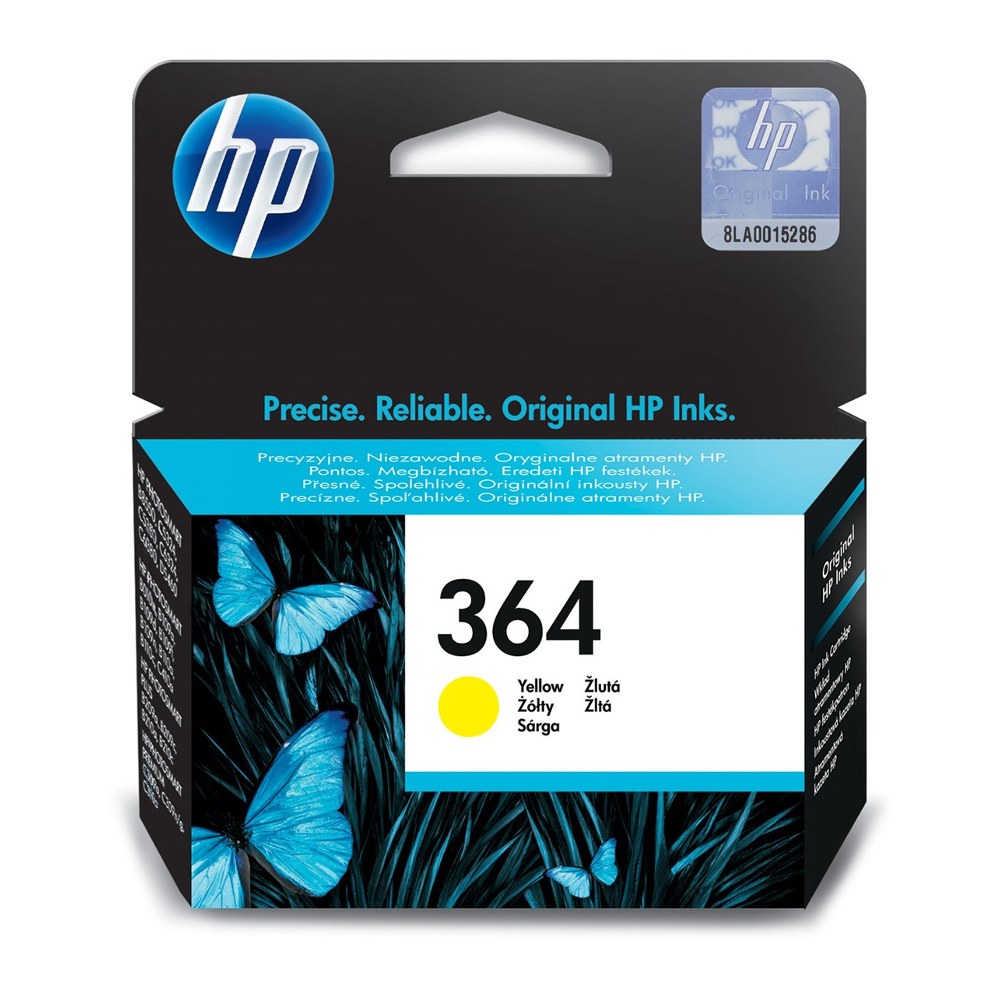
Genuine HP ink cartridge, formulated for the print head of these models: faithful colors, fast drying, no clogged nozzles. The printer recognizes the cartridge and shows the remaining ink level.
When to replace it
The printer shows a message when the part's counter reaches end of life (Supplies status or Reports menu). Replacing it then avoids downtime and wear on other parts.
Printers compatible with the CB320EE
The CB320EE is compatible with the following models and series (manufacturer data):
- HP Deskjet 3070A
- HP Deskjet 3520 e-All-in-One
- HP Deskjet 3522 e-All-in-One
- HP Officejet 4620
- HP Officejet 4622
- HP Photosmart 5510
- HP Photosmart 5515
- HP Photosmart 5520
- HP Photosmart 5522 e-All-in-One
- HP Photosmart 5524
- HP Photosmart 5525 e-All-in-One
- HP Photosmart 6510
- HP Photosmart 6520
- HP Photosmart 6525 e-All-in-One
- HP Photosmart 7510
- HP Photosmart 7520
- HP Photosmart B010a
- HP Photosmart B109a
- HP Photosmart B110a
- HP Photosmart B210a
- HP Photosmart C5380
- HP Photosmart C6380
- HP Photosmart D5460
- HP Photosmart eStation AIO C510
- HP Photosmart Plus B209a
- HP Photosmart Plus B210a
- HP Photosmart Premium C309A
- HP Photosmart Premium C310a
- HP Photosmart Premium C410b
- HP Photosmart Pro B8550
Check the exact reference of your printer (label or Information menu); suffixes are variants of the same series and generally use the same consumables. If in doubt, send us the exact model.
Page yield
300 pages (manufacturer data, about 5% coverage). Graphics or photo-heavy pages reduce the actual yield. The cost per page shown next to the price is calculated from the current price and this yield.
Installation
Replace with the printer on: open the cartridge door, remove the empty cartridge, unpack the new one, remove the protection without touching contacts or nozzles, insert until it clicks and close. The printer detects the cartridge and runs an alignment if needed.
Use and tips
The CB320EE suits a lightly used printer (letters, a few documents a week): the cartridge (300 pages) lasts about 3 months at 100 pages per month and about 1 months at 300 pages per month.
Keep the printer plugged in and on: it maintains its nozzles and uses very little power in standby; print a color page regularly. Store cartridges in their packaging away from heat and install them before the printed date. Genuine cartridges protect the print head and the warranty.
Specifications
| Manufacturer reference | CB320EE |
|---|---|
| EAN code | 0883585705597 |
| Type | Ink cartridge |
| Brand | HP |
| Color | yellow |
| Capacity | Standard |
| Page yield | 300 pages (manufacturer data) |
| Compatible printers | 30 models or series |
Frequently asked questions
Is the CB320EE compatible with my printer?
Yes if it appears in the list above. If in doubt, send us the exact model (e.g. "HP Deskjet 3070A") and we confirm.
Genuine or compatible?
We sell genuine HP consumables only: yield in line with the manufacturer's data, recognized by the printer, warranty preserved.
Where can I find the safety data sheet?
The safety data sheet (SDS) for the CB320EE and the manufacturer documentation are available on request from our customer service: contact us.